 Ink Friendly
Halloween · Print-true
Pumpkin carving stencils
Pick a pattern, choose your paper size and print. There are ten original carving patterns, including a cat, a bat, a ghost, a spooky face and a haunted house, drawn as bold vector shapes and printed at true size from your browser. Every sheet is stamped with what to cut, what to keep and how to transfer it to the pumpkin. There is no watermark across the middle and no sign-up, and nothing you do here leaves your device.
Adjust
Details
How this stencil library works
Each pattern is original geometry, built in code from rectangles, polygons and arcs, and none of it is traced from anyone's artwork. Building from simple shapes is why the patterns come out bold and clean, without fussy detail. No pattern leaves a piece of pumpkin fully surrounded by cuts. The same automated tests that cover this site's puzzles check every pattern in the library for that. The sheet is an SVG drawn in real millimeters. Pick a paper size and margin and the whole pattern resizes to fit inside the margin, keeping its shape and staying out of your printer's dead zone. The "cut area" figure in the readout and on each sheet's stamp shows what share of the design gets cut away. The page works it out by sampling the pattern's geometry on a fine grid.
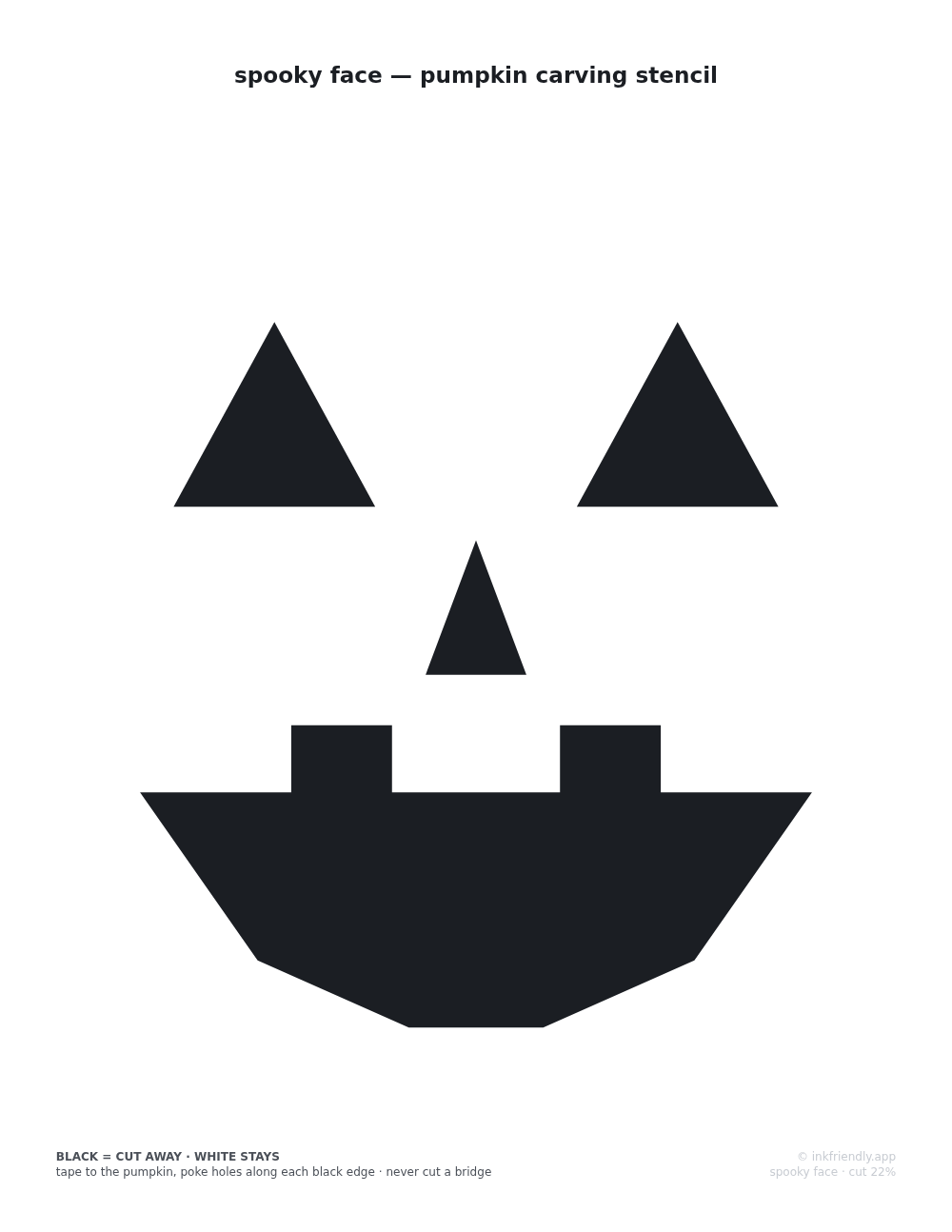
To use one, print it at 100% scale, tape it to the pumpkin and make a row of pinholes along every black edge. Then peel the paper away and carve from hole to hole. Black areas are cut out and glow, and white stays. The white gaps that run through black shapes are bridges. Each one holds a piece of pumpkin to the rest of the shell, so leave every bridge standing. On the spider web the arcs stop short of the spokes, so every cell of the web stays attached, and on the candy corn the white gaps between the three bands are both the stripes and the bridges. As with every sheet on this site, set the print dialog to 100% or "Actual size". "Fit to page" shrinks the pattern a few percent, and on a stencil that mostly costs you bridge width, the one thing you want more of.
These are single-layer cut stencils: every area is either cut through or left alone. There is no shaved "glow" layer, because surface shaving depends on tools and pumpkin walls that no printout can control. A flat sheet on a round pumpkin always wrinkles a little; a few short cuts in the paper's edges absorb most of it, and once the holes are poked you carve by them.
More pumpkin stencils
-
Most requested
Cat Pumpkin Carving StencilsTwo cat patterns on their own page: the sitting cat from this library and a front-on cat face you will only find there.
-
Names & words
Pumpkin Stencil MakerType any name or word and get a carving stencil in a stencil-safe alphabet, with gaps that keep the middle of every A, B and O attached to the pumpkin.